Choosing the Right Microphone for Remote Performers
When it comes to remote performance, selecting the right microphone type is crucial to ensure excellent audio quality. Different microphone types offer unique advantages that can cater to various remote performance needs, making microphone selection an important step for any remote performer.
Here is a table that outlines the most common microphone types suitable for remote performers and their key benefits.
| Microphone Type | Advantages | Best For | Considerations |
|---|---|---|---|
| Condenser Microphones | High sensitivity and wide frequency response for detailed, clear audio quality. | Vocal performances, podcasts, and studio recordings. | Requires external power (phantom power), more sensitive to background noise. |
| Dynamic Microphones | Durable, less sensitive to background noise, cost-effective. | Live remote performances and louder sound sources. | May lack the subtle nuances needed for detailed studio recordings. |
| USB Microphones | Plug-and-play convenience, good sound for the price, easy to set up. | Remote performers needing quick setup without additional equipment. | Generally less professional sound quality compared to XLR microphones. |
| Lavalier Microphones | Hands-free operation, discreet appearance, consistent audio pickup. | Performers who move around or need mobility during remote sessions. | Usually requires wireless systems or adapters; may pick up clothing noise. |
| Shotgun Microphones | Highly directional, excellent for isolating sound source. | Remote performers needing to capture clear audio in noisy environments. | Requires proper positioning and sometimes additional mounting gear. |
Choosing the right microphone type depends on your specific remote performance setup and priorities such as audio quality, ease of use, and environmental factors. Understanding these microphone types and their advantages will help you make an informed microphone selection tailored to your needs.
Dynamic vs Condenser Microphones
When choosing the right microphone for remote performances, understanding the differences between dynamic and condenser microphones is essential. A dynamic microphone works by using a diaphragm attached to a coil of wire, which moves within a magnetic field to create an electrical signal. This design makes dynamic microphones highly durable and resistant to moisture, making them perfect for vigorous use and less sensitive to background noise. They are often preferred in live remote settings where sound clarity can be compromised by unwanted ambient sounds.
On the other hand, condenser microphones operate with a capacitor that converts acoustic energy into electrical energy. Known for their superior sensitivity and frequency response, condenser microphones capture more detail and nuances in sound, resulting in excellent sound clarity. They require a power source, usually phantom power, which can be a consideration in some remote setups. Their sensitivity, however, can also make them more susceptible to picking up background noise, which might be a disadvantage in uncontrolled or noisy environments.
In terms of microphone comparison for remote performers, choosing between a dynamic and a condenser microphone largely depends on the environment and the desired sound quality. Dynamic microphones are often ideal for those who need a robust and noise-resistant option, especially in less than perfect acoustic surroundings. Meanwhile, condenser microphones shine when pristine sound clarity is the priority and the space is acoustically treated or quiet.
Ultimately, remote performers should consider their specific needs, including the usual noise level of their recording space and their preference for sound quality, to determine which microphone fits best in their remote setup.
USB and XLR Microphone Options
When setting up a home studio or performing remotely, choosing between a USB microphone and an XLR microphone largely depends on your technical comfort level and the quality you seek. USB microphones are known for their ease of setup, simply plugging directly into your computer. This connection type makes them ideal for remote performers who need a hassle-free, portable solution without additional equipment. Many USB microphones come with built-in preamps and analog-to-digital converters, simplifying the recording process.
On the other hand, XLR microphones require an audio interface or mixer to connect to your device, introducing more components but also more control over your sound quality. The connection type of XLR microphones generally offers superior audio fidelity, making them a favorite for serious home studio setups and professional use. However, the setup can be more complex and less convenient for on-the-go remote use, which may deter beginners or those looking for quick plug-and-play solutions.
In summary, USB microphones offer convenience and ease of setup, perfect for remote performers who value simplicity and portability. XLR microphones, while demanding more technical know-how and equipment, provide enhanced versatility and sound quality ideal for dedicated home studios. Understanding the differences in connection types and setup requirements can help you choose the right microphone solution for your specific needs.
Optimising Your Mikrofon-Setup for Remote Performances
To achieve the best sound quality during remote performances, optimising your microphone setup is crucial. A well-configured microphone setup not only enhances the clarity of your voice but also minimizes background noise, creating a professional and immersive audio experience for your audience.
Start by choosing a high-quality microphone suitable for your performance style. Condenser microphones are popular for their sensitivity and detail, while dynamic microphones are better at isolating your voice from ambient noise. Position your microphone correctly — ideally, it should be placed about 15 to 30 centimeters from your mouth to capture clear vocals without distortion.
Pay close attention to your sound environment. Select a quiet room with minimal echo and external noise. Soft furnishings like curtains, carpets, and pillows can help absorb sound reflections. If possible, use acoustic panels or foam to further reduce echo and reverberation, thus enhancing the overall audio quality.
Optimising your audio settings is also essential. Use your recording or streaming software to adjust the microphone input levels to avoid clipping or distortion. Set the gain to a moderate level where your voice is clear without unwanted background noise getting amplified. Employ noise gates or filters to eliminate low-level ambient sounds and consider using equalisation (EQ) to refine the tonal balance of your voice.
Additionally, monitor your audio through good-quality headphones during sound checks. This allows you to detect and address any issues with your microphone setup before going live. Regularly test and recalibrate your settings based on the specific requirements of each remote performance to ensure consistent sound quality.
In summary, an optimal microphone setup for remote performance involves selecting the right microphone, positioning it correctly, preparing a suitable sound environment, and fine-tuning your audio settings. By following these detailed guidelines, you can significantly enhance your remote performance audio quality, making your voice sound professional and engaging to your audience.
Positioning and Room Acoustics
Proper microphone placement is crucial for capturing clear and professional audio, especially for remote performers. Placing the microphone too far from the mouth can result in weak sound and increased room echo, while positioning it too close might cause distortion or picking up unwanted breathing noises.
Acoustic treatment of the room plays an equally important role in ensuring high-quality audio. Rooms with hard surfaces can create excessive reflections that cause echo and reverberation, degrading the clarity of the recording. Using soft materials like curtains, carpets, or foam panels helps absorb sound and reduce unwanted reflection.
To minimize background noise, it is best to choose a quiet environment and use directional microphones that focus on the performer’s voice while rejecting sounds from other directions. Experimenting with microphone angles and distance can further improve the balance between capturing the voice clearly and minimizing room echo.
In summary, thoughtful microphone placement combined with effective acoustic treatment significantly improves audio quality for remote performances. Reducing room echo and background noise leads to cleaner, more professional results that enhance the listener’s experience.
Using Audio Interfaces and Mixers
Audio interfaces and mixers play a crucial role in enhancing sound input and providing better control during remote shows. An audio interface acts as the bridge between your microphone and computer, converting analog signals into digital data with high fidelity. This conversion ensures a clear, professional sound quality, which is essential for remote performers who want to deliver their best audio experience to audiences.
Mixers further enhance this setup by allowing performers to manage multiple audio sources simultaneously. With a mixer, you can balance levels, add effects, and perform signal processing in real-time, tailoring the audio output precisely to the needs of your remote audience. This control helps maintain consistent sound quality, avoiding issues such as distortion or volume fluctuations.
In a remote audio setup, combining an audio interface with a mixer provides flexibility and creative control. Performers can adjust microphone volumes, mix backing tracks, or incorporate sound effects seamlessly. This setup ensures a professional-level sound delivery, making remote performances more engaging and enjoyable for listeners.
Investing in quality audio interfaces and mixers is key for remote performers looking to elevate their sound input. These tools not only improve audio clarity but also offer extensive control over signal processing, enabling a polished, dynamic remote show experience.
Essential Accessories and Software for Mikrofon-Setup
To achieve the best possible sound quality and performance during remote sessions, having the right microphone accessories and audio software is crucial. These tools not only enhance your audio capture but also streamline your workflow, ensuring a professional and seamless experience.
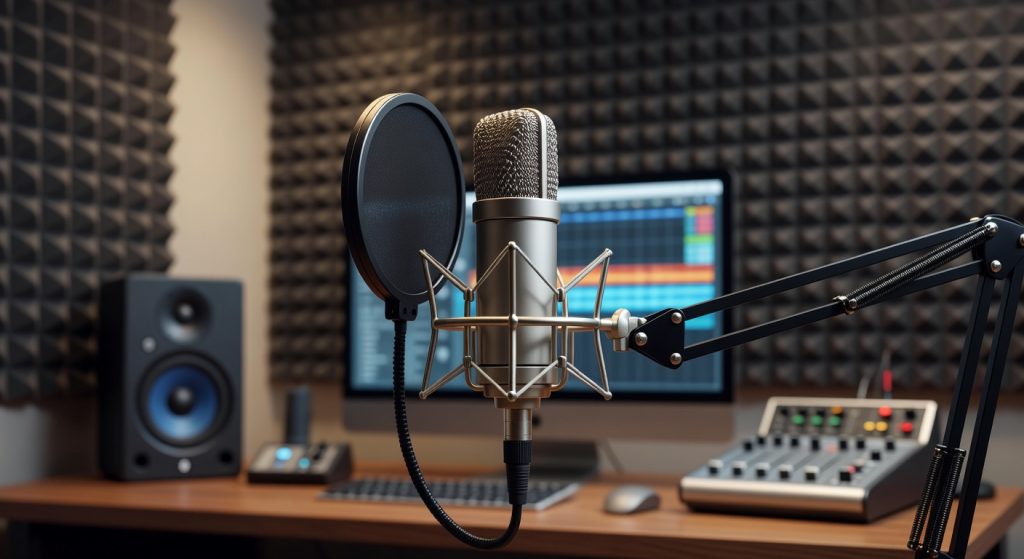
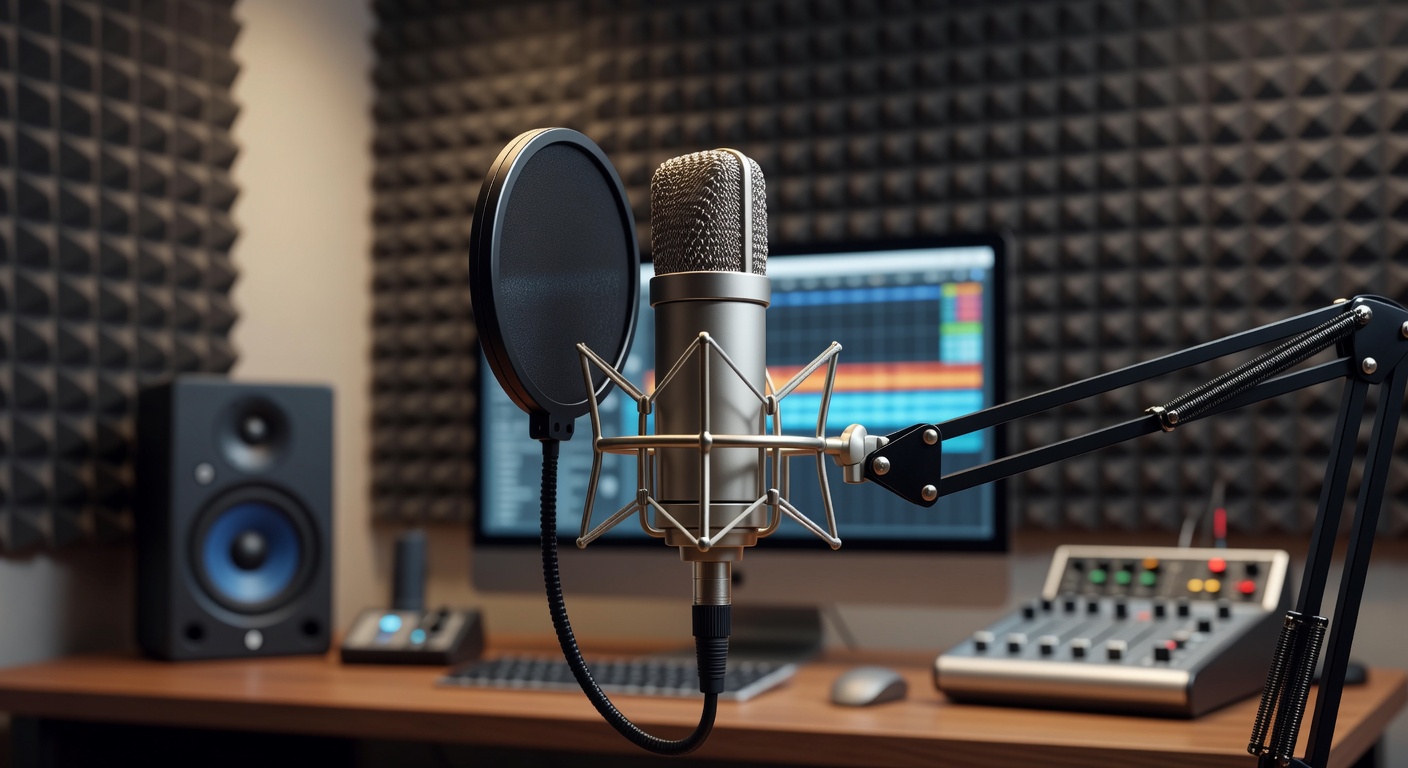
One of the first accessories to consider is a high-quality pop filter. This simple yet effective tool reduces plosive sounds caused by bursts of air hitting the microphone, resulting in clearer and more pleasant recordings. Additionally, a shock mount is essential for isolating the microphone from vibrations and handling noise, which can distract from your performance.
A good boom arm or adjustable mic stand also offers tremendous flexibility and comfort, allowing you to position your microphone precisely where it’s needed. Paired with foam windshields, these accessories can drastically improve sound clarity by minimizing unwanted noise interference.
Beyond physical accessories, having reliable audio software is just as important. Digital Audio Workstations (DAWs) like Audacity, Ableton Live, or Logic Pro provide extensive tools for editing, mixing, and enhancing your recordings. These programs allow you to apply effects such as EQ, compression, and reverb, which help tailor your sound to your specific needs.
In the realm of remote performance tools, platforms like OBS Studio and Zoom have built-in audio settings designed to optimize your output in real time. Utilizing noise suppression features and adjusting gain levels ensures your voice remains clear without unwanted background sounds.
Consider also investing in dedicated audio interfaces and preamps to convert your microphone’s analog signal into high-quality digital data. These devices often include hardware controls for gain and monitoring, giving performers greater control over their sound.
Lastly, don’t overlook the importance of using high-quality cables and connectors. Reliable cables prevent signal degradation and maintain the integrity of your audio signal, which is vital for consistent sound enhancement during remote performances.
By combining these essential microphone accessories and audio software tools, remote performers can significantly elevate the clarity, professionalism, and overall impact of their audio setup, delivering engaging performances regardless of location.
Pop Filters, Shock Mounts, and Stands
Pop filters, shock mounts, and microphone stands are essential tools to enhance audio clarity for remote performers. A pop filter acts as a barrier between the vocalist and the microphone, significantly reducing plosive sounds caused by hard consonants like „p“ and „b.“ This not only protects the microphone from saliva but also ensures the recorded sound is clean and free from disruptive bursts of air.
Shock mounts play a critical role in isolating the microphone from physical vibrations and handling noise. By suspending the microphone within an elasticized frame, shock mounts prevent unwanted thumps, bumps, and shakes from being captured during a performance. This stabilization is vital, especially when using sensitive condenser microphones that easily pick up even subtle movements.
Microphone stands provide a sturdy and adjustable support system that allows performers to position their microphones optimally without holding them. This stability reduces fatigue and ensures a consistent distance from the microphone, contributing to better sound quality. Together, pop filters, shock mounts, and stands form a noise-reducing trio that allows remote performers to focus on their performance while achieving professional-grade audio recordings.
Recording and Streaming Software
When it comes to remote performance, choosing the right recording software and streaming tools is essential for seamless integration with your microphone setup. A Digital Audio Workstation (DAW) should offer versatile compatibility, low latency, and robust audio processing capabilities to enhance your live or recorded sound quality.
Popular recording software such as Ableton Live, Logic Pro, and Pro Tools are favored by many performers due to their professional-grade features and ease of use with various hardware configurations. Ableton Live, for example, excels in live performance environments with its intuitive interface and real-time effects processing. Logic Pro provides powerful built-in instruments and effects, ideal for detailed sound editing, while Pro Tools is a trusted industry standard known for its precision and stability.
For streaming, tools like OBS Studio and Streamlabs OBS offer flexible options to broadcast your remote performance live. These streaming tools support multiple audio sources, including external microphones, making it easy to manage audio levels and integrate with your DAW for clean sound transmission. Some software even allows direct routing of microphone input through the DAW to the streaming platform, ensuring optimal audio fidelity.
Ultimately, the best recording and streaming software will depend on your specific needs as a remote performer, balancing user-friendly interfaces with advanced features to deliver professional-quality sound whether you’re recording tracks or performing live online.

Ich fasziniere mich schon immer für die sinnliche Kraft der Stimme und wie sie allein intensive Fantasien und tiefgreifende emotionale Verbindungen schaffen kann. In meinen Beiträgen erforsche ich die psychologischen und spielerischen Aspekte der telefonischen Erotik, um die Faszination dieses Mediums greifbar zu machen. Für mich ist es eine spannende Kunstform, die die Vorstellungskraft in den Mittelpunkt stellt und völlig neue Wege der Intimität eröffnet.